Briefs for live features
Turn requests for latency, replay, and clip tools into a brief with observable behavior and a clear release boundary.
“Add DVR” sounds like a small request until different people explain what they expect. One person means pausing the live player. Another means watching from the beginning. A third expects a recording to appear after the event. All three can use the same word while describing different work.
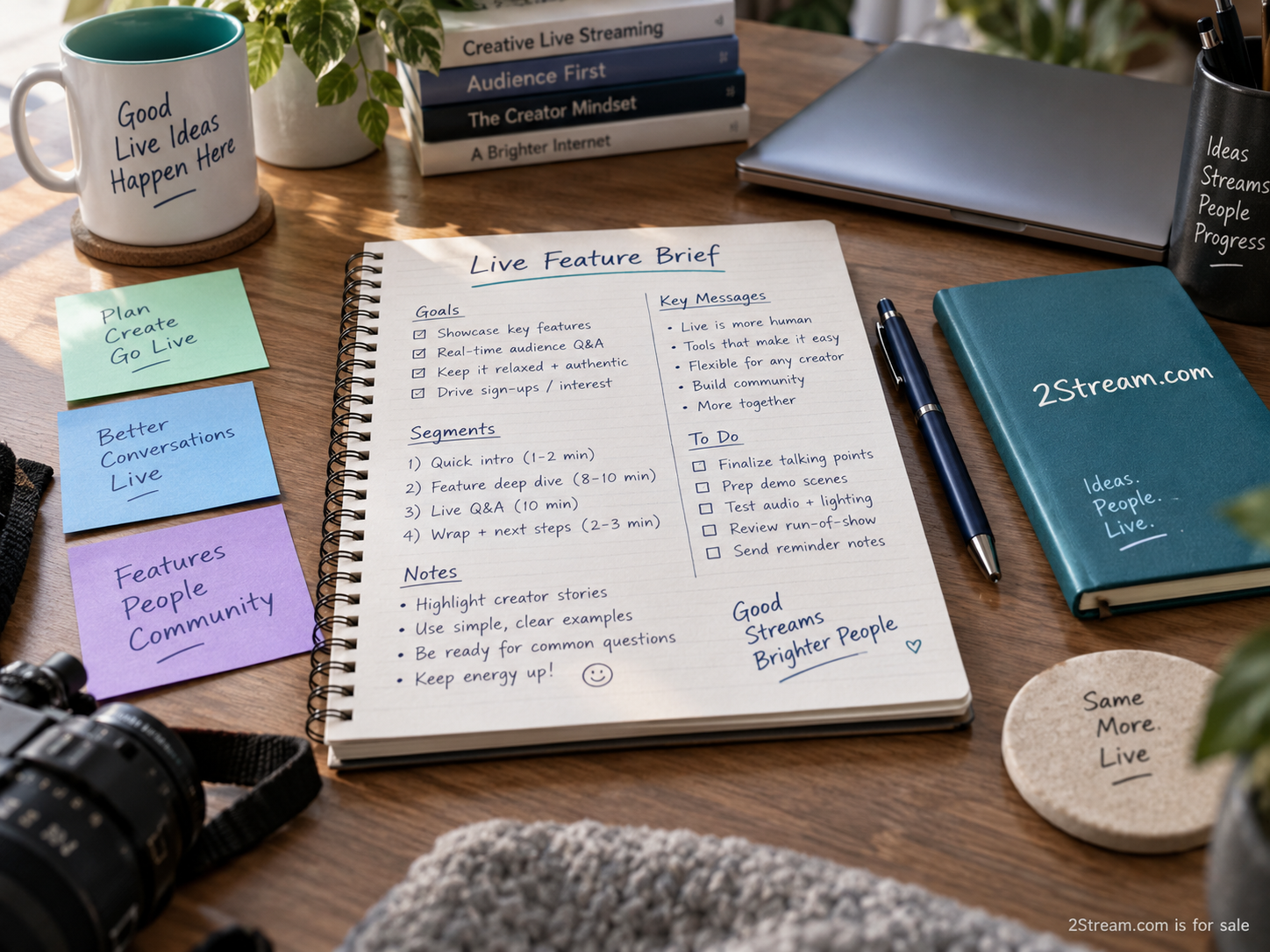
A live-feature brief should make those expectations visible before design and engineering commit to a solution. This guide provides a practical structure for a one-page brief, followed by an illustrative replay example. The aim is a shared description of behavior, not a promise about a particular protocol, provider, or performance level.
Begin with a person and a moment
Write the opening as an observed or proposed user situation. “A viewer arrives after the opening explanation and wants to catch up without leaving the event” gives the team something concrete to discuss. “We need better engagement” does not identify the moment or the action. If the situation is a hypothesis, label it as one and plan how to test it.
Name the person whose task the feature serves. A viewer seeking a replay is different from an editor creating a clip or a producer checking a recording. Mixing those roles in the opening makes the feature grow before anyone notices. The brief can acknowledge adjacent work while choosing one primary user for the first release.
Include the evidence available. That might be support questions, interviews, or an observation from a rehearsal. Do not invent customer quotes to make the brief persuasive. If there is no evidence yet, write the assumption plainly and arrange a small discovery exercise before treating it as a settled requirement.
Define the words that could mean several things
Create a short vocabulary section only for terms that affect the decision. For a replay feature, explain what “live edge,” “start over,” and “recording” mean in the proposed experience. Use ordinary language first. Add implementation terminology where it helps the people building the feature avoid a specific misunderstanding.
Mux’s live streaming FAQ distinguishes DVR and non-DVR modes within its service. Its recording guide separately discusses recordings from live streams. These references help demonstrate why a brief should name the intended behavior rather than assume that “DVR” and “recording” are interchangeable everywhere.
If the team is using another provider, verify that provider’s current terminology and capabilities. Do not copy a configuration name from a reference into a general product promise. The brief should preserve the user goal even when the implementation vocabulary differs.
State the first observable behavior
Write what the user can do and what they should see afterward. For the illustrative replay feature: “A viewer can return to an earlier available point in the current event and can choose to return to the live position.” This is still a draft. The team must define availability, supported environments, and how the current viewing position is communicated.
Avoid vague acceptance statements such as “Replay works smoothly.” They conceal the conditions under which the team will test the feature. A more useful statement names an action, the relevant state, and the expected result. If a requirement cannot be observed in a test, ask whether it needs clearer wording or a different form of evidence.
Keep performance claims out of the brief’s public-facing summary until they are supported by an agreed measurement method and actual results. “Low latency” alone does not say where measurement starts or ends. A request involving delay should identify the user need before setting a target, and the target should come from the project’s own requirements.
Draw a boundary with must, should, and later
Use three groups to make the release boundary visible. “Must” contains the behavior needed to solve the chosen user task. “Should” contains useful improvements that can be deferred without breaking that task. “Later” records adjacent ideas that deserve attention but are outside this release. The labels only help if decision makers agree on their meaning.
For the replay example, a must might be a clear way to return to the live position. A should might be a brief explanation the first time the viewer moves backward. A later item might be sharing a selected clip with another viewer. These are illustrative priorities, not a universal recommendation for every live product.
Name the person who can move an item between groups. Otherwise, every stakeholder may quietly treat their favorite item as mandatory. Record changes with the reason and date. A short brief becomes more useful when it captures decisions rather than merely reflecting the latest conversation.
Include states that are easy to forget
A live event has a before, during, interruption, and after. Ask what the feature does in each state. Can a viewer open the player before the broadcast starts? What happens when earlier material is unavailable? What changes after the event ends? Does the interface preserve a viewing position or offer a different recording page?
The brief should also describe the message for an unavailable action. A disabled button without explanation can look like a fault. A concise statement such as “Earlier playback is not available for this event” may be appropriate if it accurately describes the system. The wording should be reviewed against the actual implementation, not chosen simply because it sounds reassuring.
Accessibility belongs in these behavior descriptions. Specify that controls need understandable labels and keyboard operation. Decide how status changes will be conveyed without relying only on color. Include assistive-technology checks in the project’s verification plan rather than leaving them as an undefined final polish task.
Work through one acceptance example
The illustrative viewer opens an event after it has started. The player identifies that the viewer is watching the current live position. The viewer moves to an earlier available point, and the interface makes the changed position apparent. The viewer then selects the action to return to live and can tell that the action has completed.
Now change one condition: earlier playback is unavailable for this event. The viewer should receive an accurate explanation instead of an apparently broken control. Change another condition: the event ends while the viewer is behind. The team must agree what happens next and document it. These variations reveal the decisions hidden inside a short feature name.
Do not make the acceptance example so specific that it simply mirrors a particular implementation. It should test the user’s ability to understand and complete the task. Engineering can then choose an appropriate design while preserving the observable behavior the team agreed to deliver.
Give the brief an owner and a release check
Name a product owner, an implementation owner, and the person responsible for the final behavior review. These can be the same person on a small team, but the responsibilities should still be explicit. List the environments that will be checked and the unresolved dependency that could change the scope.
The release check should compare the finished behavior against the brief, including the unavailable and end-of-event states. Record what was verified and what remains limited. If the scope changed during implementation, update the description before the feature is announced. Customers should not receive a promise based on an earlier version of the plan.
A one-page structure to reuse
Use this order: user and moment; evidence or assumption; vocabulary; first observable behavior; must, should, and later; important states; acceptance example; owners and open questions. Link detailed research and technical design separately. A one-page brief should make the decision easy to inspect without pretending that all implementation detail fits on one page.
Try the structure on a single request before adopting it across the team. Ask a designer and an engineer to explain what will happen when the feature is unavailable. If their answers differ, revise the brief there. That small disagreement is useful: it identifies work that would otherwise emerge much later, when a live event is already depending on it.